官网下载:https://artifacts.elastic.co/downloads/elasticsearch/elasticsearch-7.17.29-x86_64.rpm
wget https://artifacts.elastic.co/downloads/elasticsearch/elasticsearch-7.17.29-x86_64.rpm
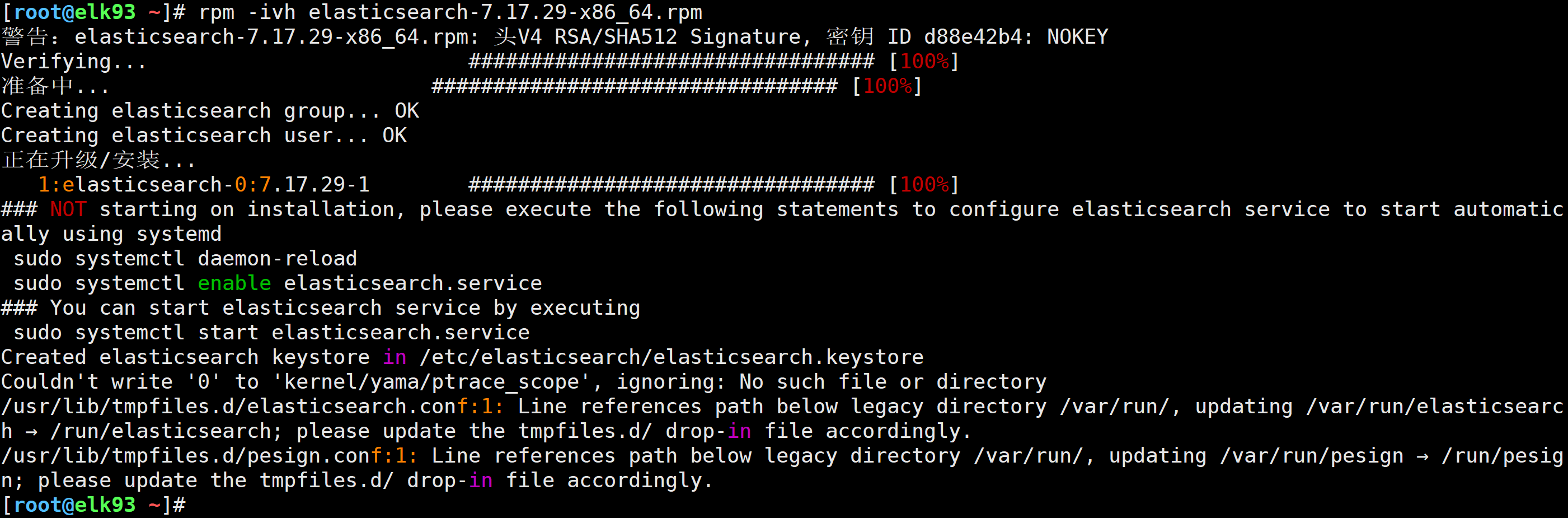
rpm -ivh elasticsearch-7.17.29-x86_64.rpm
elk191节点安装
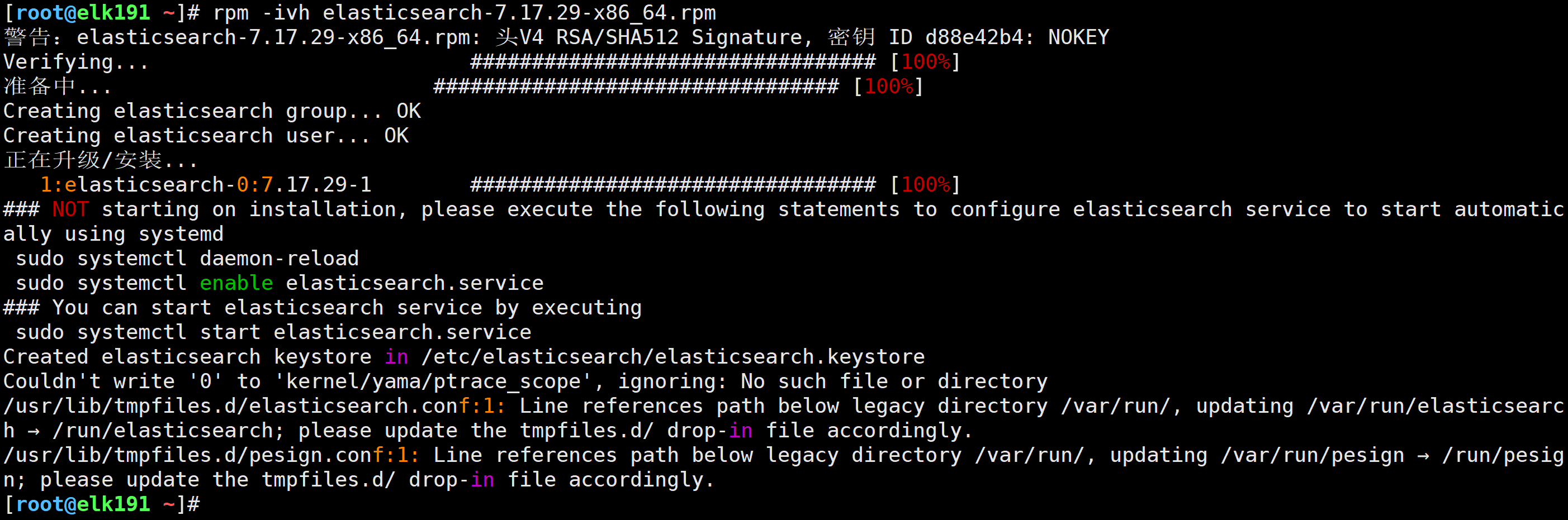
elk192节点安装
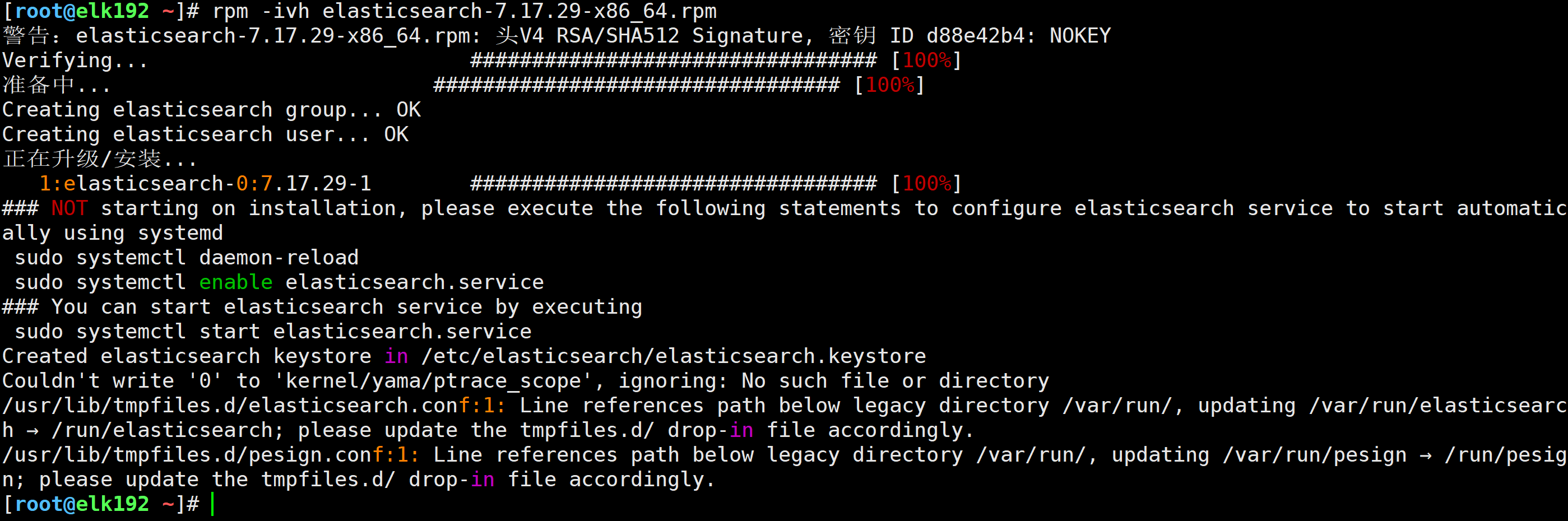
elk193节点安装
1.修改配置文件
vim /etc/elasticsearch/elasticsearch.yml
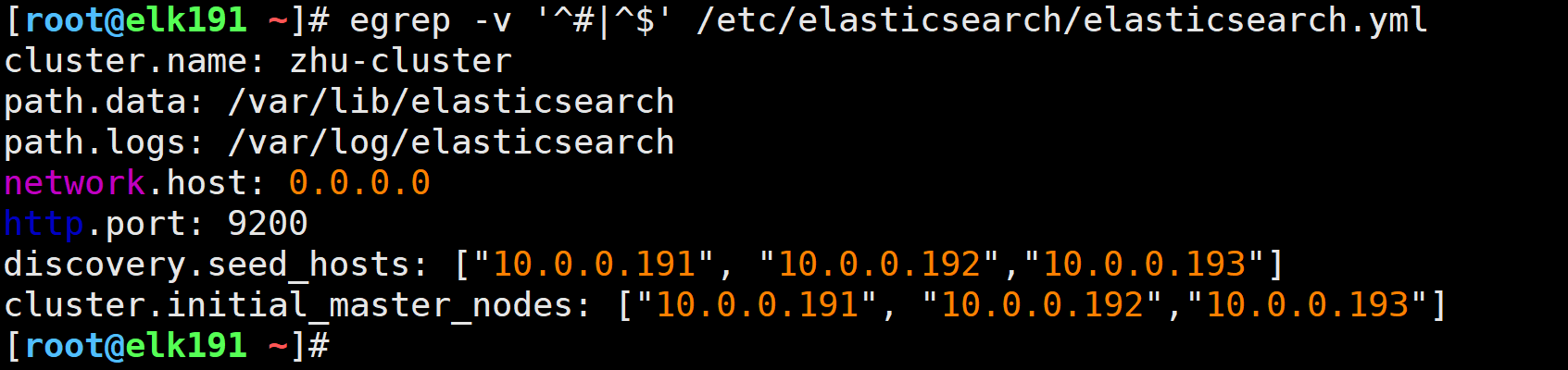
cluster.name: zhu-cluster
path.data: /var/lib/elasticsearch
path.logs: /var/log/elasticsearch
network.host: 0.0.0.0
http.port: 9200
discovery.seed_hosts: ["10.0.0.191", "10.0.0.192","10.0.0.193"]
cluster.initial_master_nodes: ["10.0.0.191", "10.0.0.192","10.0.0.193"]

2.检查
egrep -v '^#|^$' /etc/elasticsearch/elasticsearch.yml
scp /etc/elasticsearch/elasticsearch.yml 10.0.0.192:/etc/elasticsearch/
scp /etc/elasticsearch/elasticsearch.yml 10.0.0.193:/etc/elasticsearch/

systemctl daemon-reload
systemctl enable elasticsearch.service --now
ss -lntup | egrep "9200|9300"
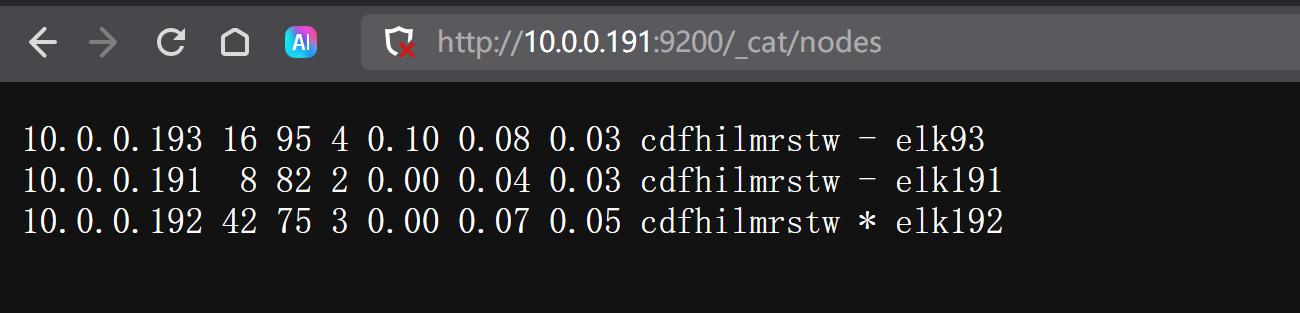
elk191

elk192

elk193

http://10.0.0.191:9200/_cat/nodes
官网下载:https://artifacts.elastic.co/downloads/kibana/kibana-7.17.29-x86_64.rpm
wget https://artifacts.elastic.co/downloads/kibana/kibana-7.17.29-x86_64.rpm
rpm -ivh kibana-7.17.29-x86_64.rpm

1.修改配置文件
vim /etc/kibana/kibana.yml
server.port: 5601
server.host: "0.0.0.0"
elasticsearch.hosts: ["http://10.0.0.191:9200","http://10.0.0.192:9200","http://10.0.0.193:9200"]
i18n.locale: "zh-CN"

2.检查
egrep -v "^#|^$" /etc/kibana/kibana.yml

systemctl enable --now elasticsearch.service
ss -lntup | grep 5601

http://10.0.0.191:5601/

官方网站:https://artifacts.elastic.co/downloads/beats/filebeat/filebeat-7.17.29-x86_64.rpm
wget https://artifacts.elastic.co/downloads/beats/filebeat/filebeat-7.17.29-x86_64.rpm
rpm -ivh filebeat-7.17.29-x86_64.rpm

vim tcp-to-es.yaml
filebeat.inputs:
- type: tcp
  host: "0.0.0.0:9000"

#output.console:
#  pretty: true

# 将数据写入到ES集群
output.elasticsearch:
  # 指定ES集群地址
  hosts: ["http://10.0.0.191:9200","http://10.0.0.192:9200","http://10.0.0.193:9200"]
  # 指定ES的索引名称
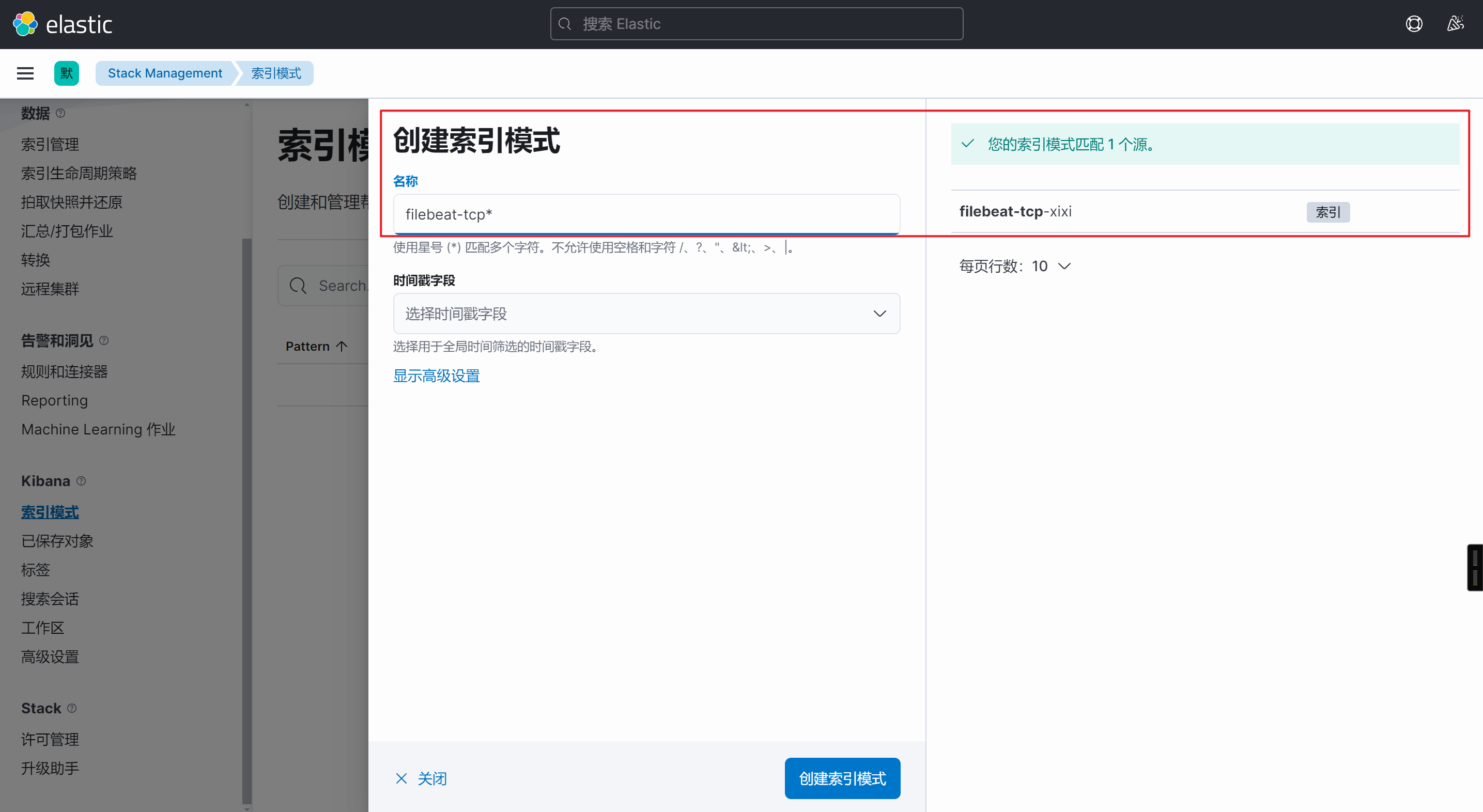
  index: filebeat-tcp-xixi

# 禁用索引的生命周期,否则自定义索引名称无效
setup.ilm.enabled: false
# 定义索引模板
setup.template.name: "filebeat-tcp"
# 定义索引模板的匹配模式
setup.template.pattern: "filebeat-tcp*"
# 如果索引模板已经存在是否覆盖
setup.template.overwrite: false
# 配置索引模板
setup.template.settings:
  # 指定分片数量
  index.number_of_shards: 3
  # 指定副本数量
  index.number_of_replicas: 0
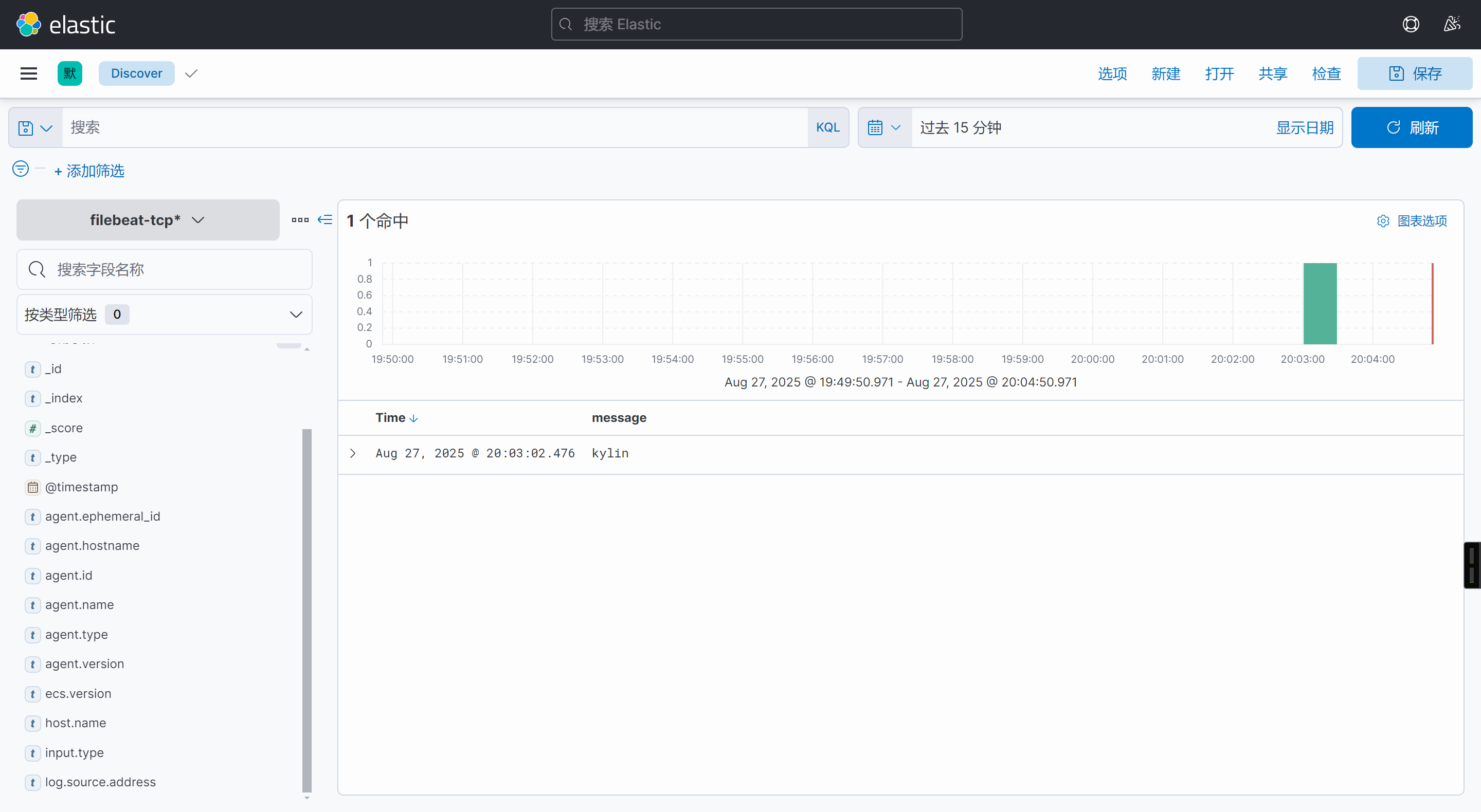
filebeat -e -c /etc/filebeat/config/tcp-to-es.yaml
echo zhu | nc 10.0.0.192 9000